How to Use Grok Bot for SEO: Setup, Data and Workflows
To use Grok Bot for SEO, add an SEO role template to your Grok Bot account, share your own data in the chat, such as your XML sitemap, Google Search Console exports, keyword tool exports and crawl reports, and ask it to map keyword clusters to URLs, write content briefs and turn technical issues into developer tasks. The bot plans the work; you check the numbers in your own tools and publish the changes yourself.
Quick start
- Get Grok Bot access on an eligible plan. See how to sign up for Grok Bot.
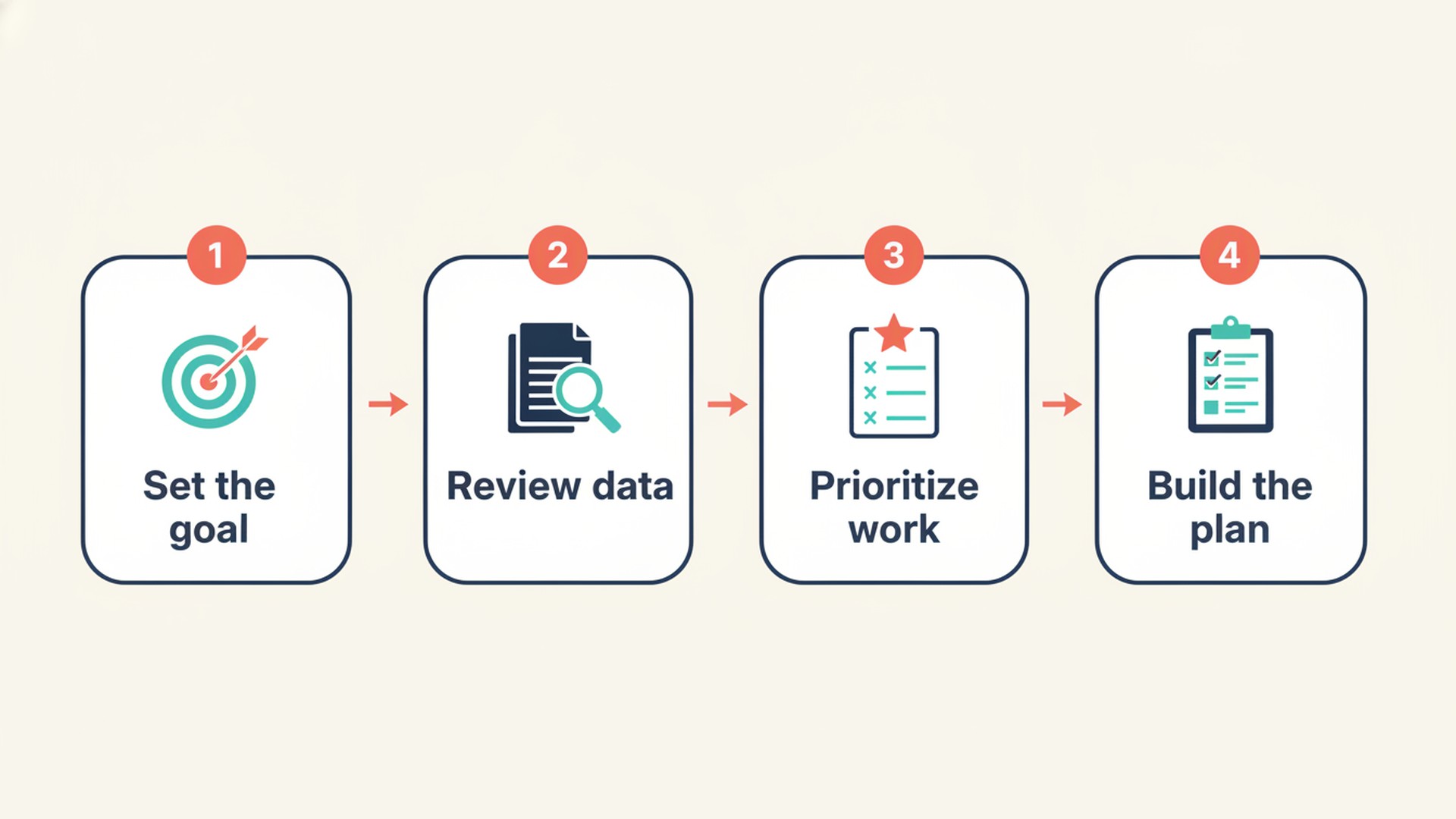
- Add the SEO Specialist or another SEO template to your account.
- Share your XML sitemap, Google Search Console exports and keyword lists in the chat.
- Paste the starter prompt below with your domain, business, audience, market, language and CMS.
- Review the priority list and briefs it returns and hand off the approved briefs to your writers or developers.
What is the ExtraHeads Grok Bot SEO Specialist?
The ExtraHeads SEO Specialist is a ready-made AI specialist for Grok Bot: a role template with instructions, skills and routines, not a single prompt. It is designed to plan organic search work for Google by mapping user intent, structuring keyword clusters, writing on-page briefs and auditing technical site elements.
The template follows Google Search Central guidance, maps one primary keyword to each URL to prevent cannibalization and builds step-by-step checklists. It costs $19 USD as a one-time payment for the individual role.
To install it, open the template link, select Add to Grok Bot, review the template, and confirm Add Bot to create your own copy. After adding it, you work in your own editable copy and can modify its instructions and routines to fit your CMS and goals. If you are new, Get Started covers plans and install steps.
What can the SEO bot actually do?
The bot processes the pages, crawl exports and keyword lists you share with it to prioritize organic growth tasks. When your session has web access, it can also check live pages while it reviews search intent.
It identifies which pages on your site are competing against each other and maps a strategy to fix the cannibalization. If you are planning a new content hub, it clusters your keywords into logical groups and assigns each cluster to a specific URL path.
For technical tasks, you can paste a complex crawler export and the role translates the warnings into prioritized, plain-language tasks for your developer. The template outputs structured plans like SEO content briefs for your writers and technical priority checklists. It does not replace what you or your team do; it prepares the plan for your approval.
What data do you need?
The bot has no built-in crawler, rank tracker or keyword database like Ahrefs, Semrush or Screaming Frog. It relies entirely on the information you provide in the chat.
| File or source | What the role gets from it |
|---|---|
| sitemap.xml | List of existing URLs |
| Google Search Console export | Real queries, impressions and clicks |
| Keyword tool export | Search volume and competition from your own tool |
| Crawl export (for example Screaming Frog) | Technical issues |
| Competitor URLs | Pages to compare against |
Without verified data from your own tools, the bot works qualitatively and tells you what information is missing. It will not invent search volumes, click-through rates or benchmark metrics.
For the exact Search Console and GA4 reports to export, the settings to pick and the 1,000-row export limit, see how to give Grok Bot your Search Console and GA4 data.
How do you brief the SEO bot?
You start the session by briefing the role on your main domain, business goals and primary language. The bot asks up to five initial questions to understand your top organic competitors and confirm your SEO tools and CMS limitations.
Next, you provide your keyword seed lists or live URLs for it to analyze. If a required tool like Google Search Console is missing from your workflow, the bot tells you what data is needed to complete the task.
Clear limits and accurate exports early help the plan fit how your site is actually built. Say what your CMS cannot change, so the role does not suggest fixes your platform cannot support.
What ready-to-use SEO prompt can you start with?
If you want to test your current setup or start a session quickly, you can paste a structured starter prompt. Fill in the bracketed placeholders with your business details.
Act as my SEO Specialist.

Website: [YOUR DOMAIN]
Business: [YOUR BUSINESS]
Target audience: [YOUR AUDIENCE]
Primary market: [COUNTRY]
Language: [LANGUAGE]
CMS: [WORDPRESS / OTHER]

First, ask me questions about my business,
competitors and SEO goals.

Then review the data I provide:
sitemap, Search Console exports,
keyword lists and crawl reports.

Do not invent search volumes,
keyword difficulty or ranking data.

Identify:
1. Existing page opportunities
2. Keyword cannibalization
3. Content gaps
4. Technical SEO issues
5. Priority actions for the next 30 days.
You can use this prompt with any SEO template to establish clear rules for your chat. The ExtraHeads SEO Specialist already has the same ground rules in its instructions: it asks its questions first, works from your data and does not invent metrics. So you can start it with a shorter brief, while a general bot needs the full prompt.
What do keyword clustering, content brief and priority report examples look like?
The SEO role page and the SEO sample page show what the role produces. Most examples there are illustrations with made-up businesses; one is a real screen recording.
Priority report (illustration on /roles/seo, a local bakery website). Provided: an XML sitemap, a Search Console export and a keyword tool export. Asked: evaluate the current pages and suggest the most impactful changes this month. Came back: an SEO Priority Report ranking opportunities by effort and potential impact. It marked "Improve homepage title" and "Fix keyword cannibalization" as High priority, while rating "Build supporting content" as Medium. The plan that follows has you approve the new homepage title, your writer merge two competing service pages, and your developer update the internal links in the main menu.
Keyword clusters and a brief (samples on /roles/seo for the made-up bakery Crumb & Rye). These show the output side: the role mapped clusters like "Sourdough bread" to an existing URL and "Custom birthday cakes" to a new landing page. It then wrote a content brief for the birthday cake page specifying the primary query, search intent, title tag and meta description. The page notes that real volumes come from the keyword tool exports you provide. The same page also has a technical SEO audit sample.
Cluster map and content brief for a coffee roaster (/samples/seo, fictional Kettle & Crow Coffee). Provided: a list of existing pages and URL paths, plus seed topics such as 'best coffee for french press' and 'how to store coffee beans'. No keyword tool export. Asked: map a strategy by search intent and draft a brief for the French press topic. Came back: a Keyword Cluster Map with one primary keyword, intent and target URL per cluster, and an SEO Content Brief with secondary keywords, outline, questions to answer, internal links, E-E-A-T notes and a do-not list. Volume and difficulty are left as placeholders to fill from your own tool. The real screen recording of a session with the template, for the same brand, is on the SEO role page.
What can the SEO bot not do?
The SEO role produces drafts, audits and plans, but it does not publish changes to your live website. It does not modify your CMS or edit robots.txt directly. You must review and approve every step and implement the changes yourself.
It does not do manipulative link building. The role cannot invent search data, meaning any search volume or keyword difficulty score must come from your own keyword tool exports. It also makes no ranking guarantees.
The official guide to templates for Grok Bot describes a template as a blueprint of a bot's instructions, memories, skills and plugins. Custom code and non-standard plugins such as MCP servers are not included. The ExtraHeads template also does not include someone else's computer, logins or chat history.
How does the ExtraHeads SEO Specialist compare with a free Grok Bot SEO template?
The official Grok Bot marketplace offers a free template named SEO & AEO Desk by Adam Tanguay (listing checked on 9 November 2026). For some readers it will be enough. For the general trade-off, see free vs paid Grok Bot templates.
The free template is built around generating content ideas, writer briefs, answer-engine questions and running weekly Search Console reporting routines. The ExtraHeads template is built around keyword-to-URL mapping, cannibalization checks, technical planning from crawl exports and developer handoffs. Both templates refuse to invent search volumes.
| Feature | ExtraHeads SEO Specialist | Free SEO & AEO Desk |
|---|---|---|
| What it is built for | Keyword mapping, cannibalization checks, technical planning | Content ideas, writer briefs, answer-engine questions |
| How it starts | You brief it on domain, goals and language; it asks up to five questions | A pasted keyword list or Search Console; a site URL alone is enough to start |
| Skills or workflows | Keyword-to-URL mapping instructions, standardized brief format, technical-priority checklist | Keyword and question research, writer content brief, weekly search report, answer engine question map, page audit and refresh plan |
| Routines | Routines included in the template | Content ideas digest, Weekly search report, Topic watch (off until you turn them on) |
| Technical SEO planning | Turns crawl and Search Console exports into prioritized, plain-language developer tasks | Page audit and refresh plan for a slipping or new page |
| Price | $19 USD one-time | Free on the marketplace listing |
Why pay $19 for the ExtraHeads SEO Specialist?
Paying for the ExtraHeads SEO Specialist makes sense if your primary goal is structuring a messy website rather than just generating new article ideas. The $19 one-time fee gives you a template built specifically for keyword mapping to URLs, cannibalization checks and technical planning from your own crawler exports.
It provides a standardized SEO content brief format and plain-language developer handoffs. You get role instructions, skills and routines, including detailed instructions for mapping keyword exports to pages and a technical-priority checklist, rather than a single pasted prompt.
If you mainly want content ideas, writer briefs, answer-engine questions or weekly Search Console reports, the free SEO & AEO Desk may be enough. To try the workflow first, the starter prompt above costs nothing. Neither template replaces Ahrefs, Semrush or Screaming Frog; both work from your data.
Which roles take over after the SEO plan?
The SEO Specialist focuses entirely on strategy, audits and brief creation. Once the plan is approved, the work moves to neighboring roles to execute the actual updates. The bots do not automatically network with each other, so you share the approved briefs with the next role.
The Content Marketer uses the approved SEO briefs to write the full blog posts and landing page copy. After drafting, the Editor and Fact-Checker reviews the text to ensure it meets brand guidelines and accuracy standards. The SEO content workflow case study follows one real guide through the brief, draft, fact check and measurement steps.
Technical fixes go to your developer. For page conversion changes, use the Website Marketer and CRO Specialist; for tracking and analytics setup, the Web Analyst.
Frequently asked questions
Does the SEO role guarantee rankings?
No, the SEO role makes no ranking guarantees. It builds plans based on Google Search Central guidance and the data you provide, but actual search performance depends on search engine algorithms and how you implement the changes.
Does it write the blog posts?
No. The SEO Specialist drafts content briefs and outlines with suggested title tags. The actual writing of the blog post is handed off to a human writer or a dedicated Content Marketer role.
Does it include Ahrefs or Semrush data?
No, the role does not have a built-in keyword database, rank tracker or crawler. You can share your own exports from tools like Ahrefs, Semrush or Screaming Frog for it to analyze quantitative data.
Do I need my own data to start?
Yes, you need to share XML sitemaps, Search Console exports or keyword seed lists. Without verified data, the role works qualitatively and tells you what is missing, but it will not invent search metrics.
Do I need a Grok Bot plan?
Yes, you need your own active Grok Bot account. Grok Bot is included on the Premium, Super and Ultra tiers of The X Subscription, but it is not available on Plus or Free plans. ExtraHeads does not sell Grok Bot access.